
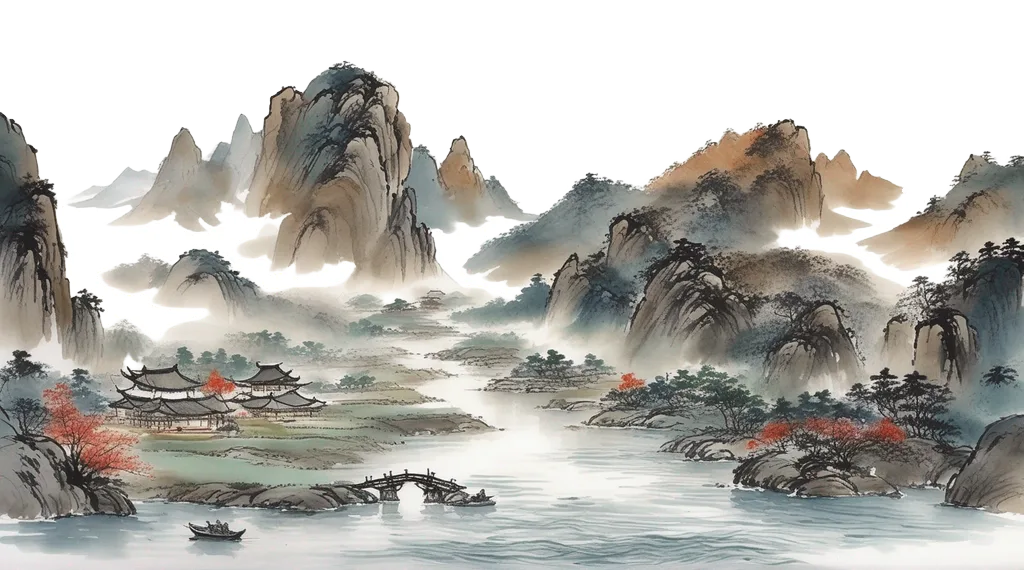

Society events are the arena where noble reputations are built or broken. You invite rivals, display art, stage fights, dance under lanternlight, and court influence through wit and spectacle. When the event closes, everything you did is reviewed and converted into influence that shapes your standing in the Five Kingdoms.
This guide covers how to create and run a society event from first concept to the final tally.
Preparing an Event
Society events are created through the event planner interface, not via a command directly. Open the planner from the in-game web client, fill in the event name, date, venue room, and your theme statement. The theme statement is a short phrase that tells graders what mood and concept you are going for: “moonlit tea ceremony under cherry blossom snow,” or “a sparring exhibition to honor the northern border regiments.” Keep it vivid and specific. Vague themes score poorly on the thematic criteria.
While setting up, you will choose:
- Visibility. Tick “Public Event” if you want it to appear on the public calendar so anyone can see and join; leave it unchecked for an invite-only gathering.
- Activities. You choose one or two activities from the list below. These are the structured entertainment segments your guests participate in. Picking activities that match your theme sharpens your thematic score.
- Co-host. Optional. You may designate a second host. If you do, the 500 energy launch cost is split evenly between you (250 each rather than 500 solo).
You can designate a co-host in the planner before launch. The co-host must be physically present in the event room at the moment you launch.
Launching the Event
With your event prepared, go to the venue room and run:
host society <event_name>
This validates your setup, charges the launch energy, registers you (and your co-host) as attendees, and sets the event to launched status. You must be standing in the event’s designated room. Your co-host must also be there.
Launch energy cost: 500 energy total. Split 250 / 250 if you have a co-host.
Once launched, run:
host kickoff
This clusters the attendees into social groups so the RP can flow. Do this after a reasonable number of guests have joined, not the instant you launch.
Joining an Event
Guests find an active event in the room and run:
join society <event_name>
This opens the entrance interface where you set your social preferences (who you enjoy talking to, who you would rather avoid). The system uses those preferences to pair you sensibly during activities like dance.
Join energy cost: 100 energy per attendee.
Your outfit is snapshotted the moment you join. Whatever you are wearing at that instant is what graders evaluate. See the fashion section below for what makes an outfit score well.
Activities
Every society event runs one or two formal activities chosen by the host at setup time. The host starts and ends each activity with:
start activity <type> [args]
end activity
The six activity types are:
| Type | Command syntax | What happens |
|---|---|---|
dance |
start activity dance [song-name] |
A paired social dance. The system matches partners by preference. Guests join with join dance and leave with leave dance. The host can call shuffle partners to reshuffle all pairings. |
art_exhibition |
start activity art_exhibition |
Pledged art pieces are scattered around the room. Guests wander between them with wander. Artists earn influence based on their pieces’ value and LLM quality scores. |
performance |
start activity performance |
Designated performers take the stage. Each performer runs their routine with perform. The host pre-approves performers via designate performer <name> <event>. |
show |
start activity show <media-name> |
A cinematic or theatrical show plays for the assembled guests. |
game |
start activity game <game-name> |
A structured game (mahjong, tiles, etc.) runs for participants. Everyone who takes part earns a flat influence grant. |
exhibition_fight |
start activity exhibition_fight <format> <names> |
A formal sparring exhibition. Three formats: solo (one fighter vs escalating waves), pairs (4 fighters, 2v2, silk ribbons binding each pair together), los (5-fighter open melee). Spectators can place wagers. |
Dance
The dance is the cornerstone social activity. You and other guests join the dance floor, and the system pairs you with partners using your preference lists. Partners marked as liked are more likely to end up with you; characters on your avoid list will not be paired with you unless there is no other choice.
If you are paired for at least half of the dance’s running time, you earn a 25% bonus multiplier applied to your base influence at the end of grading.
The host can pause and resume the dance with pause dance and resume dance. Pairings accumulate time only while the dance is unpaused.
Art Exhibition
Before the event launches, the host can whitelist contributors with:
whitelist art <character-name> <event-name>
Whitelisted characters can then pledge items from their inventory:
pledge art <item-name> <event-name>
Pledged items are held in a vault room until the exhibition starts, at which point they are automatically scattered around the event space. Guests wander from piece to piece. At close, each artist’s pieces are scored by the LLM grader on creativity, depth, and style. Items with custom color descriptions or attached images earn bonus multipliers (10% each, stackable).
Pieces that have appeared at prior events earn no dollar-value toward the artist’s grant. Novelty matters.
Exhibition Fight
The three fight formats differ in structure and audience experience:
- Solo: One fighter named in the command (
start activity exhibition_fight solo Rhen). The fighter faces escalating waves of opponents. Spectators wager on how many waves they survive. The fighter earns influence based on performance; wager winners collect from the pool. - Pairs: Four fighters named in order (
start activity exhibition_fight pairs A B C D). A and B form one team, C and D form the other. Each pair is bound together by a silk ribbon and cannot move more than 4 feet apart. Spectators wager on the winning team. - Line of Succession (los): Five fighters in a free-for-all (
start activity exhibition_fight los A B C D E). Spectators pick the winner.
Each fighter pays 50 energy to participate. Fighters receive 100 influence for taking part regardless of outcome.
Spectators place wagers with:
wager <amount> dollar on <count|winner-name>
For solo events, wager on the number of waves survived. For pairs and los, wager on the winner’s name.
Performance
The host designates up to several performers before or during the event:
designate performer <character-name> <event-name>
Designated performers can then run their routine with perform. A fresh performance (first time the performer has used that routine) earns 50 influence. A repeated routine earns 25 influence. Performing costs 50 energy.
Show
The host names a piece of media and it plays for the room. There are no scoring sub-mechanics; the show contributes to the overall event transcript that graders read.
Game
Any attendees who participate in the named game each earn a flat 20 influence grant when the host calls end activity.
Ending the Event
When you are ready to close, the event organizer ends it through the event manager interface (or via the standard event close flow). Once the event is marked complete, grading begins automatically in the background. You do not run a separate command; it fires on its own.
Grading typically completes within a few minutes. If the grader encounters a problem, the event is marked failed and logged for operator review.
Grading Criteria
When the event closes, an LLM grader reads the full in-character transcript and scores every participant.
Host scoring
Hosts are graded on seven criteria:
| Criterion | What the grader looks for |
|---|---|
| creativity | How original and inventive the event concept and execution are |
| engagement | How actively the host engages with individual attendees rather than broadcasting into the void |
| interactive | Whether attendees had things to do; did the host prevent dead air and boredom |
| thematic | Fit with both the event’s own theme statement and the wider 1940s-Wuxia-Noble setting |
| immersive | Believable in-character behavior; no anachronisms, no fourth-wall breaks |
| fun | How much enjoyment the attendees visibly had |
| spicy | Presence of risk, intrigue, conflict, or gossip-worthy moments, provided they did not sour the overall fun |
Attendee scoring
Attendees are graded on two criteria:
| Criterion | What the grader looks for |
|---|---|
| wit | Clever, entertaining conversation without crudeness or buffoonery |
| engagement | Active participation: starting conversations, joining activities, contributing to scenes rather than lurking quietly |
Art scoring
Art pieces are graded separately on three criteria:
| Criterion | What the grader looks for |
|---|---|
| creativity | Originality and inventiveness |
| depth | Emotional or intellectual resonance |
| style | Aesthetic polish and evocativeness |
The influence an artist receives is proportional to the effective value of the pieces they exhibited, multiplied by the LLM quality score. The value calculation is covered in the fashion and outfit section below; the same color and image bonuses apply to art.
The Fashion System
The game tracks what you are wearing the moment you join society. That snapshot is what graders evaluate. The snapshot captures every visible item: the outermost layer in each equipment slot, plus all jewelry and unslotted accessories. Items hidden under a coat are not seen.
What drives outfit value
Your outfit contributes influence proportional to the effective monetary value of what you are wearing.
Novelty is rewarded. A bespoke piece worn for the first time at your event is worth its full value. A piece you wore at the last three events you attended is worth 0.125 of its original value.
The value of the outfit is multiplied by it’s score to produce the overall amount of influence it provides.
Outfit grading criteria
The LLM grader scores each attendee’s outfit on four criteria:
| Criterion | What the grader looks for |
|---|---|
| creativity | Originality in how you assembled the outfit; unexpected combinations that work |
| style | How fashionable and polished the overall look is |
| thematic | Fit with both the event’s theme statement and the 1940s-Wuxia-Noble setting |
| daring | Bold choices that read as sophisticated or provocatively tasteful. Merely wearing less clothing does not score here; deliberate, knowing audacity does |
Quick Reference
| Action | Command |
|---|---|
| Launch a prepared event | host society <event_name> |
| Group attendees after launch | host kickoff |
| Join an event | join society <event_name> |
| Start an activity (host only) | start activity <type> [args] |
| End the current activity (host only) | end activity |
| Whitelist an art contributor | whitelist art <name> <event> |
| Pledge an item as art | pledge art <item> <event> |
| Designate a performer | designate performer <name> <event> |
| Place a wager | wager <amount> dollar on <count\|name> |
| Set social preferences | society interactions |